When you need to reset garage opener after outage, the problem is not always a failed opener. A power interruption can trip a breaker, disrupt a GFCI outlet, disconnect the door from the opener, or temporarily confuse a smart-home connection. The good news is that most modern garage door openers retain their core programming during a standard outage.
Start with simple checks before changing settings. A few careful minutes can restore safe operation without erasing remotes, changing travel limits, or creating a bigger door problem.
First, Make Sure the Door Is Safe to Test
Before restoring power or pressing the wall button, look at the garage door itself. It should be fully closed, resting evenly on the floor, and free of visible damage. Do not test the opener if a cable is hanging loose, a roller is out of the track, the door is crooked, or you hear a sharp bang followed by a heavy door.
Those signs can point to a broken spring, damaged cable, or off-track door. The opener is not designed to lift a door with a failed counterbalance system. Repeatedly pressing the button in that situation can strain the motor, damage the gear system, or pull the door farther out of alignment.
If the door is closed and looks normal, keep people, pets, and vehicles clear of its path while you troubleshoot. Stand where you can see the entire opening when testing it.
Check Power Before You Reset the Opener
An outage may have ended in the neighborhood while one garage circuit remains off. Check whether the opener’s ceiling outlet has power. A lamp or phone charger is an easy way to test it, provided you can do so safely from a stable position. Do not climb on furniture or use an unstable ladder to reach the outlet.
Next, check your electrical panel for a tripped breaker. Garage circuits may also be protected by a GFCI outlet. Look for GFCI outlets in the garage, basement, exterior of the home, or nearby utility area and press the reset button if one has tripped.
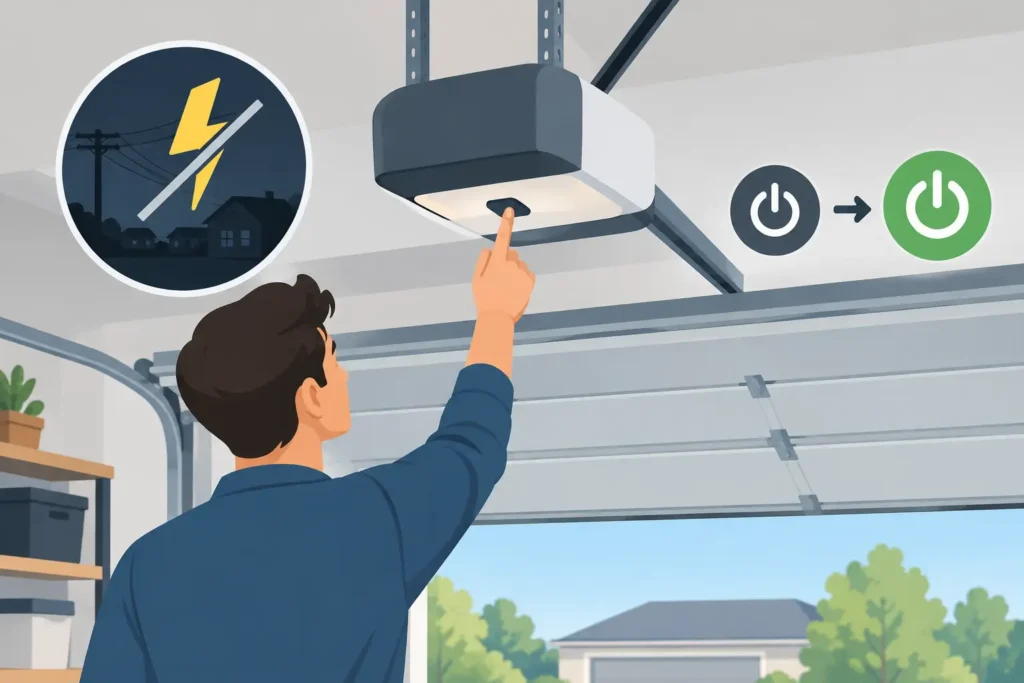
Once power is restored, give the opener a minute or two. Some models run a brief startup sequence after power returns. If the opener’s light comes on but the door does not move, use the wired wall control first. That helps separate an opener or door issue from a remote-control issue.
Check the Opener’s Lock or Vacation Mode
Many wall-mounted garage door controls have a lock feature, sometimes called vacation mode. When enabled, the wall control may still operate the door while handheld remotes and exterior keypads do not. A power outage does not usually turn this feature on by itself, but it can be mistaken for a reset problem when household settings are being checked afterward.
Look for a lock icon or a button marked “Lock.” On many units, holding that button for a few seconds turns the feature off. If the wall button works but every remote has stopped working, this is one of the first settings worth checking.
How to Reset Garage Opener After Outage Without Erasing Settings
A basic power reset is different from a factory reset. For most homeowners, a power reset is the right place to begin because it restarts the opener without deleting stored remotes, keypad codes, and safety settings.
Unplug the opener from its outlet, wait about 60 seconds, and plug it back in. If the outlet is difficult to reach safely, turn the appropriate breaker off for one minute and restore it. Then test the wired wall control.
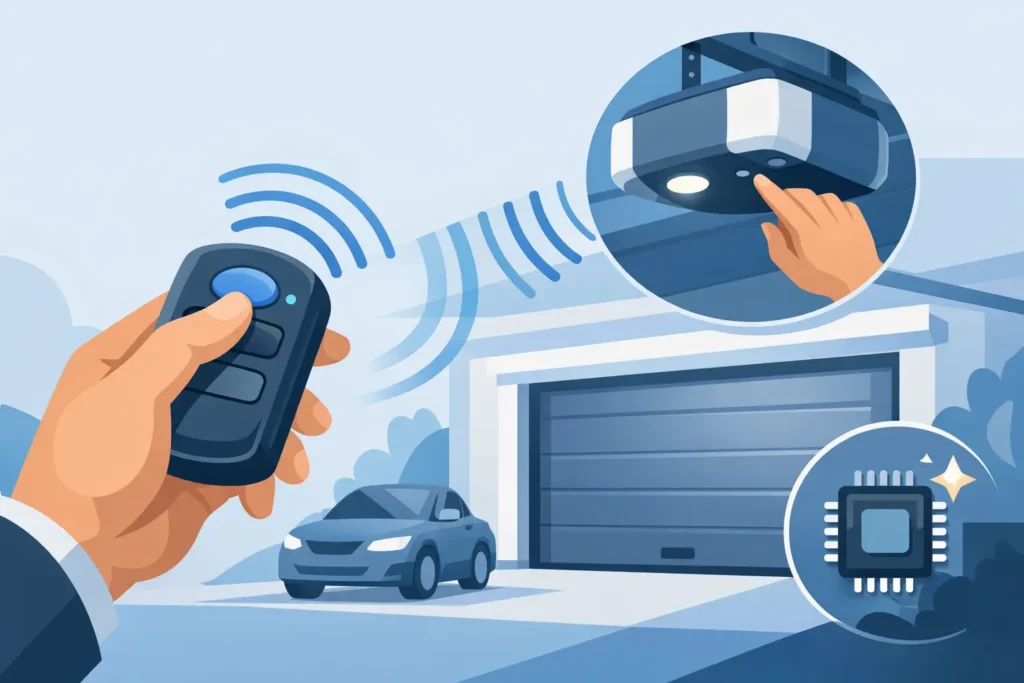
If the door opens and closes normally from the wall button, the opener itself is likely working. Test each remote one at a time. Replace the battery in a remote that has a weak indicator light, intermittent range, or no response. Remote batteries often fail around the same time as an outage by coincidence, especially during colder Massachusetts weather.
Avoid pressing the opener’s “Learn” or “Program” button unless you intend to reprogram a remote, keypad, or vehicle control. On many models, holding the Learn button too long can erase all programmed remotes. That is useful only when you are deliberately clearing access after moving into a home or replacing lost remotes.
When a Remote Needs Reprogramming
Most openers do not lose remote programming during a normal outage. Still, certain older units, power surges, battery backup problems, or a prior factory reset can require a remote to be paired again.
The exact process varies by manufacturer, but it generally involves briefly pressing the opener’s Learn button, then pressing the desired button on the remote within about 30 seconds. The opener light may blink or click to confirm the pairing.
Do not guess at the procedure if the opener has several colored buttons, a digital display, or integrated camera and Wi-Fi features. The wrong sequence may clear existing controls or alter settings you did not mean to change. Your owner’s manual can identify the correct Learn button and programming steps for your model.
Reconnect the Door if the Emergency Release Was Used
During an outage, many homeowners pull the red emergency-release cord so they can open the garage door manually. Once power returns, the door needs to be reconnected to the opener trolley before automatic operation can resume.
With the door fully closed, pull the red release handle down and toward the opener motor if your model uses that style of reconnect mechanism. Then press the wall button. In many systems, the trolley will move and click back into place automatically.
If the trolley will not reconnect, do not force the door or pull hard on the release cord. Confirm that the door is fully closed and that the opener rail is not bent or obstructed. A door that feels unusually heavy when operated manually should not be reconnected and run automatically until a technician checks the springs and balance.
Check Travel Limits Only If the Door Movement Changed
Travel limits tell the opener where the fully open and fully closed positions are. A standard outage usually does not erase them. Do not adjust limit screws or electronic travel settings simply because the opener lost power.
Limit adjustment may be needed if the door stops several inches above the floor, reverses immediately after touching down, hits the floor hard, or fails to open completely. But these symptoms can also come from misaligned safety sensors, a binding track, worn rollers, or a door that is out of balance.
Start by cleaning the photo-eye lenses near the bottom of the tracks and checking that both sensor lights are solid. Remove leaves, salt residue, cobwebs, or stored items that block the beam. If the sensors are aligned but the door still reverses or stops, service is a better next step than repeated adjustments.
Restore Wi-Fi and Smart Opener Features Separately
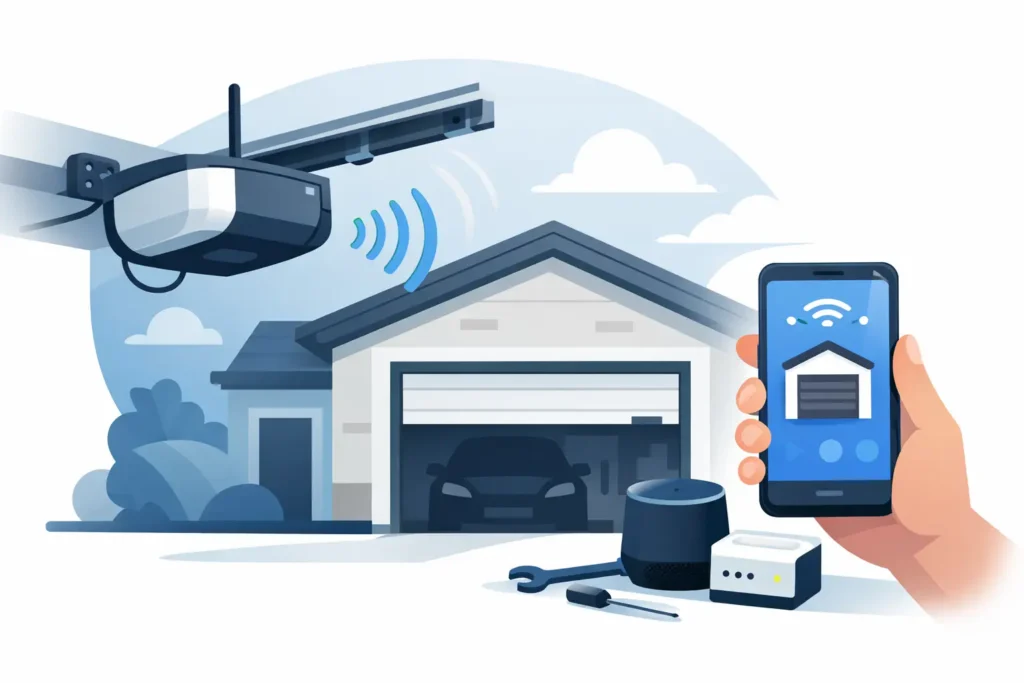
App-controlled openers and camera-equipped systems may need to reconnect to your home network after an outage, particularly if your router reset or received a new network name or password. This does not necessarily mean the garage door opener needs a full reset.
First, confirm that your home internet is working. Then open the manufacturer’s app and follow its reconnect prompts. In some cases, restarting the router and the opener is enough. In others, you may need to put the opener into Wi-Fi setup mode.
Keep smart features in perspective. The wall control and safety reversal system matter more than app access. If the physical door does not operate reliably, focus on the mechanical and electrical issue before troubleshooting notifications, cameras, or voice controls.
When to Stop Troubleshooting and Call for Service
A garage opener that hums without moving the door, flashes error codes, runs briefly and stops, or works only after repeated attempts may have a problem beyond a simple outage reset. The same is true if the breaker repeatedly trips, the motor smells hot, or the opener light works but the drive system does not move.
Call for professional service right away if the door is heavy, uneven, stuck halfway, off its tracks, or has a loose cable. Springs and cables are under high tension and are not safe homeowner repairs. Never try to compensate for a broken spring by increasing opener force settings.
For Massachusetts homeowners, Patriot Garage Door can inspect the complete system – not just the motor – and explain whether the fix is a power issue, remote programming issue, sensor adjustment, opener repair, or a door balance problem. Honest diagnosis matters because an opener can appear to be the issue when the door itself is what needs attention.
A power outage should be an inconvenience, not a reason to take chances with a heavy moving door. Restore power, test the wall control, reconnect the emergency release if needed, and make only the settings changes that match the symptom. If the door does not move smoothly and safely, leave it closed when possible and have it checked before relying on it again.
Need Help With Your Garage Door?
From broken springs and opener issues to repairs and new installations, Patriot Garage Door provides dependable service when you need it.