A remote that suddenly stops working can turn a simple trip out of the garage into a frustrating delay. The good news is that many homeowners can program a garage door opener remote in a few minutes. The better news is that knowing when to stop and call for service can protect your door, opener, and home security.
Programming is usually straightforward, but the exact steps depend on the opener brand, its age, and the type of remote in your hand. A newer smart opener may pair through an app or a learn button, while an older unit may use small code switches. Before pressing anything, take a minute to identify what you have.
Before You Program a Garage Door Opener Remote
Start by checking the basics. Confirm that the remote has a fresh battery and that the garage door itself works from the wall control. If the wall button operates the door but the remote does not, the problem may be the remote, its battery, or its programming. If neither control operates the door, programming a remote is unlikely to solve the issue.
Look at the opener motor unit, typically mounted on the ceiling near the center of the garage. Find the manufacturer name and model number on the housing. You may also see a small button marked “Learn,” “Program,” “Set,” or “Smart.” The color of that button can matter on some opener brands because it identifies the radio system and compatible remotes.
Use a remote made for your opener or a universal remote specifically rated for that model. Not every remote works with every opener, even when the buttons look similar. Buying the wrong replacement can lead to repeated programming attempts with no result.
For safety, keep people, pets, and vehicles clear of the door while you test the remote. Never stand under a moving door, and do not try to program the opener when the door has broken springs, loose cables, damaged tracks, or an off-track panel. Those are repair concerns first.
How to Program a Garage Door Opener Remote With a Learn Button
Most garage door openers installed in the last couple of decades use a learn-button process. It temporarily puts the opener into pairing mode, then accepts a signal from the remote.
Find and press the learn button
On many units, the learn button is behind a light cover, near the antenna wire, or on the rear or side panel of the motor housing. You may need a stable step ladder to reach it. Avoid climbing on cars, storage shelves, or anything that is not secure.
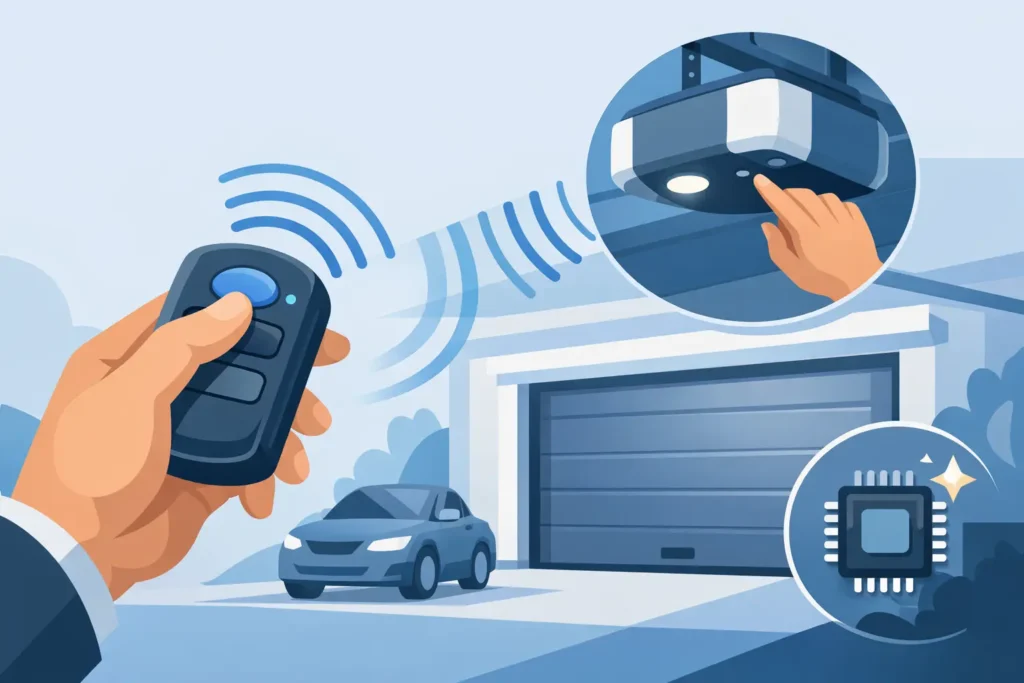
Press and release the learn button once. Do not hold it down unless your owner’s manual specifically directs you to do so. On many openers, holding the button too long erases every programmed remote and keypad. That is inconvenient at best and a security issue at worst if you do not know which devices need to be added back.
After a quick press, an indicator light usually turns on or begins blinking. The opener is now in programming mode, often for about 30 seconds.
Press the remote button you want to use
Within that time window, press and hold the button on the remote that you want to operate the door. Depending on the opener, you may need to press it once, twice, or hold it until the motor unit light flashes or you hear a click. That response confirms the opener received the code.
Release the button and wait a few seconds. Then test the remote from the garage floor, with the door in view. If the door moves, the remote is paired.
If it does not work, repeat the process slowly. Timing matters. Pressing the remote button before the opener enters learn mode, or waiting too long afterward, is one of the most common reasons pairing fails.
Test the door, not just the opener
A successful pairing means the motor responds, but the entire door still needs to operate safely. Run the door through a full open and close cycle. It should move smoothly without jerking, grinding, or stopping halfway.
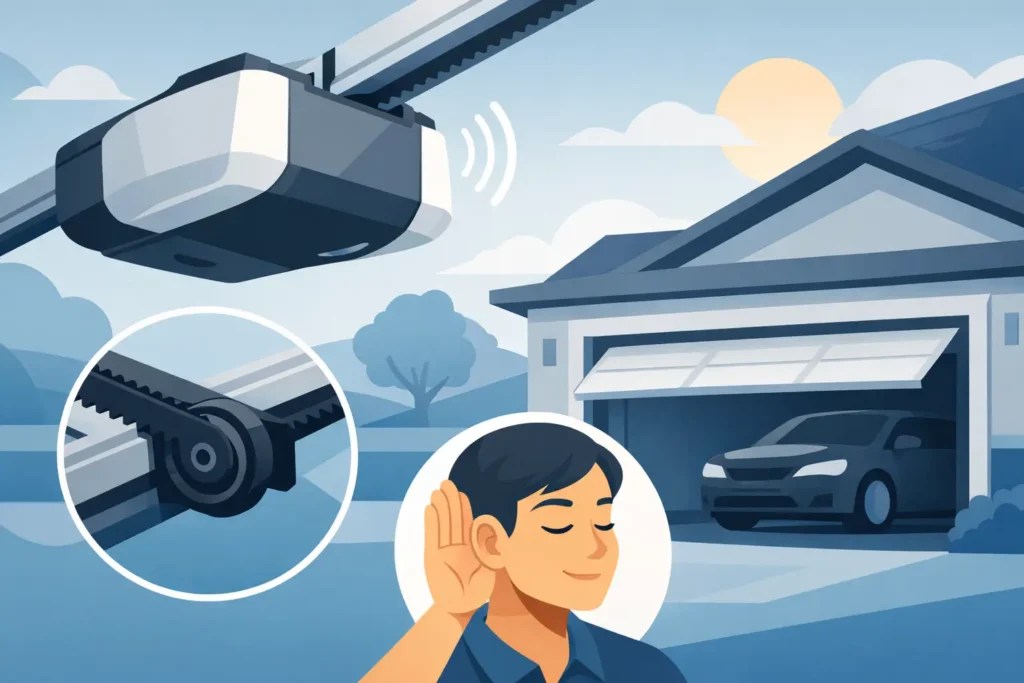
If the opener strains, the door is unusually loud, or it reverses unexpectedly, do not keep using the remote as if the problem is electronic. The opener may be reacting to a door that is heavy, out of balance, or restricted by a track or roller issue. A garage door is a connected system, and the remote is only one part of it.
Programming Older Remotes With DIP Switches
Some older garage door openers use DIP switches instead of a learn button. These are small rows of numbered switches inside the remote and often inside the opener’s receiver or motor housing. The remote works only when its switch pattern matches the opener’s pattern exactly.
Open the remote battery compartment and note the position of each switch. Then compare it with the switches in the opener, following the manufacturer’s instructions. Match every position before replacing the remote cover and testing the door.
This system is simple, but it has a trade-off: older fixed-code technology is less secure than modern rolling-code openers. If your home still uses an aging opener and you are already dealing with unreliable remotes, limited safety features, or inconsistent operation, replacement may be more practical than continuing to troubleshoot old components.
Why a Remote May Not Pair
A new battery and correct programming steps do not solve every remote problem. Interference from nearby electronics can occasionally affect range, but more often the issue is a weak remote, a damaged antenna wire, a failed receiver board, or an opener that has lost its stored settings.
The wall control provides a useful clue. When the wall button works consistently but several remotes do not, the receiver or antenna may need attention. When one remote works and another does not, the second remote may be incompatible or defective. When the door works sometimes but reverses, sticks, shakes, or makes loud noises, the cause may be mechanical rather than a programming issue.
Cold Massachusetts winters can expose a problem that was already developing. Batteries lose strength faster in low temperatures, and a door with worn rollers, poor lubrication, or an aging spring system can put added stress on the opener. Programming may restore access, but it will not correct a door that needs service.
When to Call a Garage Door Professional
It makes sense to try remote programming yourself when the door operates normally from the wall control and you have a known-compatible remote. It is time to schedule service when programming repeatedly fails, the opener light or motor does not respond, or the door itself behaves unpredictably.
Call for professional help right away if you see a loose cable, a gap in a torsion spring, bent track sections, a hanging door, or a door that will not stay open. Do not disconnect or force the door in those situations. Garage door springs and cables are under significant tension and are not safe DIY repairs.
A technician can determine whether the issue is the remote, receiver, safety sensors, opener logic board, or the door’s moving hardware. That diagnosis matters because replacing a remote will not fix a failing opener, and replacing an opener will not fix a door that is binding in its tracks. Honest service starts with identifying the actual cause.
Keep Your Garage Access Secure
After programming a new remote, remove old remotes from the vehicle or dispose of them responsibly. If a remote was lost or stolen, erase the opener’s memory and reprogram the remotes and keypad you still use. That extra step prevents an old device from continuing to open your garage.
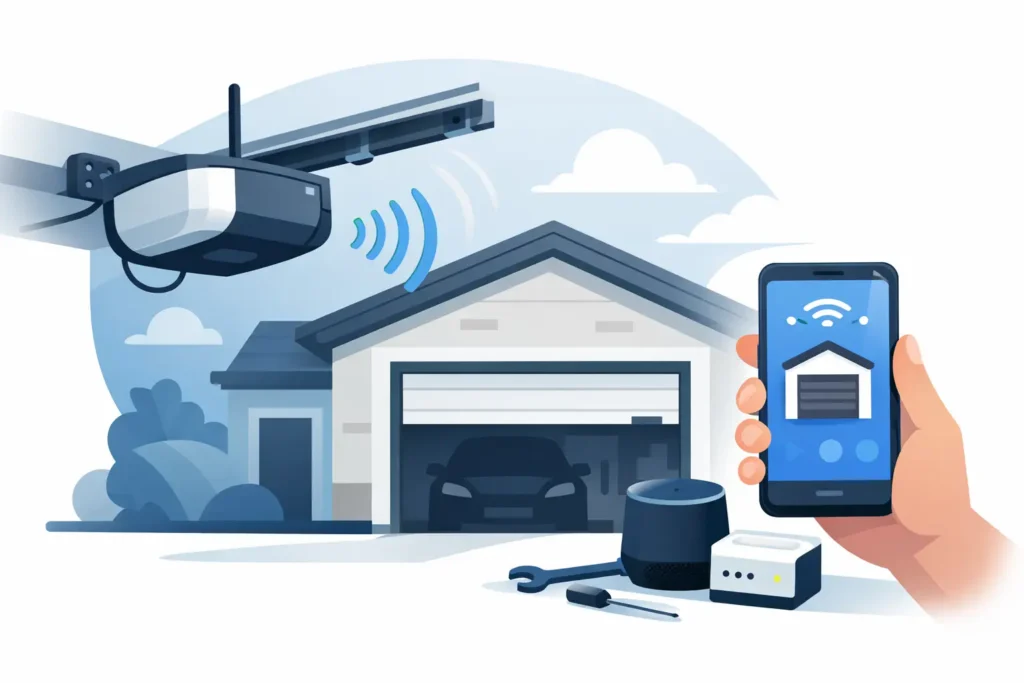
For homeowners who use the garage as a main entry, a modern keypad or app-enabled opener can add useful convenience. These options can be especially helpful for family members, deliveries, and service access. The right choice depends on your opener’s compatibility, your daily routine, and whether the rest of the system is in dependable working condition.
A working remote should make coming home easier, not leave you guessing about the safety of the door above it. If the pairing steps do not resolve the problem, a clear inspection from a trusted garage door professional can give you a reliable answer and a repair plan that makes sense for your home.
Need Help With Your Garage Door?
From broken springs and opener issues to repairs and new installations, Patriot Garage Door provides dependable service when you need it.