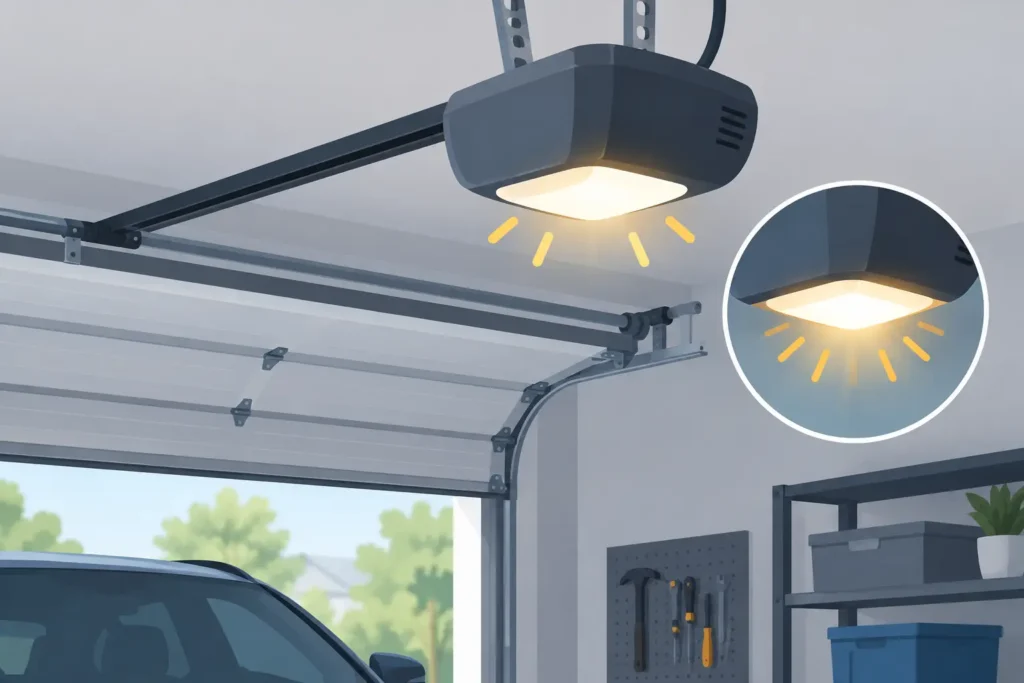
A garage door opener light flashing is more than an annoyance when you are trying to leave for work or close up for the night. On many systems, the flashing light is the opener’s way of telling you that it has detected a safety problem or cannot complete a command. The good news is that some causes are simple to check. The important part is knowing when to stop troubleshooting and arrange a professional repair.
Most modern openers use the overhead light as a diagnostic signal. The pattern, timing, and what the door does at the same time all matter. A light that flashes after the door reverses calls for a different response than one that blinks while you are trying to program a remote.
What a Flashing Opener Light Usually Means
The most common cause is an issue with the photo-eye safety sensors near the bottom of the garage door tracks. These small sensors face one another across the doorway, typically a few inches above the floor. Their job is to prevent the door from closing on a person, pet, vehicle, or object.
If the sensors cannot see each other clearly, the opener may refuse to close the door with the remote. It may also start down and immediately reverse while the opener light flashes. This is a safety feature, not necessarily a sign that the opener itself has failed.
On many opener brands, a repeating flash count is an error code. Ten flashes, for example, often points to a blocked or misaligned safety sensor. Other patterns can indicate an issue with the wall control, wiring, travel settings, or the opener’s internal electronics. Because codes vary by model, the owner’s manual is useful, but the door’s behavior usually provides a strong clue.
When the Door Will Not Close From the Remote
If the garage door opens normally but will not close with the remote or keypad, look at the sensor area first. A broom, box, bicycle tire, leaves, snow, or even a small buildup of dirt can interrupt the invisible beam. In Massachusetts, winter slush and road salt tracked into the garage can also collect around the sensor lenses and brackets.
Check that both sensor lenses are clean and that nothing is sitting in the door opening. Each sensor should have an indicator light. The exact colors vary by manufacturer, but a light that is off, flickering, or dim can suggest alignment, wiring, or power trouble.
You may find that holding the wall button down makes the door close. That is another common sign of a sensor issue. Holding the button overrides the photo-eye system on many openers, which is why it should only be used while you are standing at the control and watching the entire door path. It is not a repair and should not become the daily workaround.
When the Door Starts Down, Then Reverses
A door that begins to close and then goes back up may have an obstructed sensor beam, but it could also be encountering physical resistance. Look for an object beneath the door and make sure the tracks are clear. Do not attempt to force the door down or pull on cables, rollers, or springs.
If the path is clear and the sensors appear normal, the opener may be detecting excessive resistance. A bent track, worn roller, damaged panel, loose hardware, or failing spring can make a door difficult to move. The opener is designed to reverse when it senses an obstruction or unusual force, but repeated reversing is a warning that the system needs attention.
Safe Checks for an Opener Light Flashing
Before calling for service, there are a few safe checks that can help narrow down the issue. Start by removing anything near the sensors or in the doorway. Wipe both sensor lenses gently with a clean, dry cloth, then check whether the brackets have been bumped out of position.
The sensors should point directly at one another. If a bracket is loose, carefully straighten it by hand without yanking on the wire. Avoid using tape, makeshift shims, or other temporary fixes that can shift again and leave the safety system unreliable.
Next, check the garage door itself from a distance. Are the tracks visibly bent? Is a cable loose or wrapped around a drum? Is the door sitting unevenly? A door with a broken spring may feel extremely heavy, and the opener may hum, strain, or fail to lift it. These are not do-it-yourself repairs. Springs and cables are under significant tension and can cause serious injury when handled incorrectly.
Finally, reset only what you can reset safely. If the opener is plugged into a GFCI outlet, verify that the outlet has not tripped. You can also unplug the opener for about a minute and reconnect it. This may clear a temporary electronic glitch, but it will not correct a damaged sensor wire, worn gear, or failing logic board.
Other Reasons Your Garage Door Opener Light May Flash
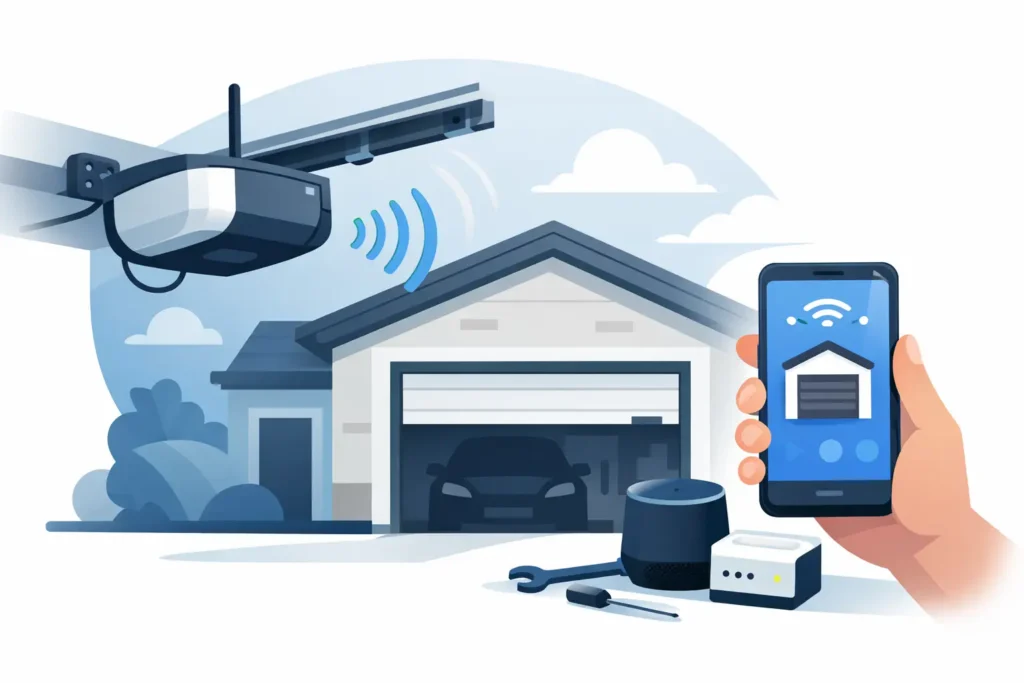
Not every flashing light points to the photo eyes. The details matter, especially on newer smart openers with app controls and LED displays.
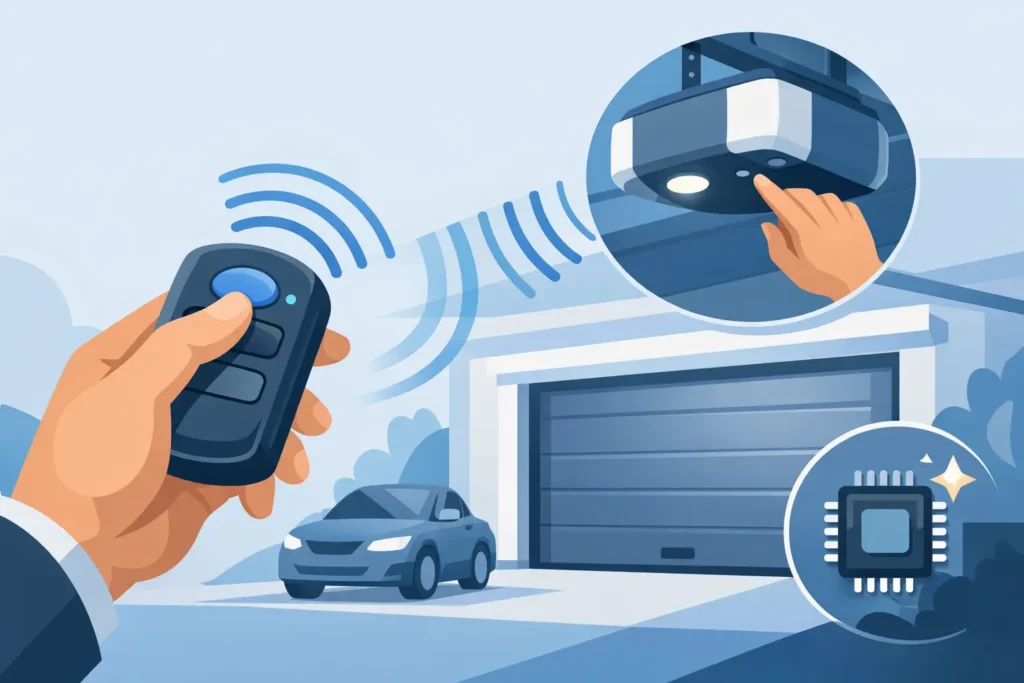
A flashing light during remote programming may simply mean the opener is in learn mode and waiting for a remote, keypad, or vehicle control to be paired. If you recently replaced a remote, changed batteries, or pressed the learn button by accident, this is a reasonable possibility. Follow the programming instructions for your specific opener model rather than repeatedly pressing buttons, which can erase existing remotes on some units.
A flashing light paired with erratic operation may point to a loose wall-control wire or sensor wire. Wires can be damaged by pests, moisture, accidental impact, or years of movement around the garage. A technician can test the circuit safely and replace damaged wiring without guessing.
Older openers may also flash or click because of an aging circuit board, failing capacitor, worn drive gear, or overloaded motor. In these cases, the cost-effective choice depends on the age of the unit, the availability of replacement parts, and the overall condition of the door. Repairing a quality opener with plenty of life left can make sense. If the unit is older, unreliable, or lacks modern safety and convenience features, replacement may offer better long-term value.
Do Not Ignore Flashing After a Power Outage
A power outage can expose issues that were already developing. After power returns, the opener may need its travel limits reset, or the door may reveal a balance problem that the opener was struggling to manage before the outage. If the opener light flashes and the door will not run properly after a storm or outage, inspect the sensor area and power supply first.
Do not keep cycling the opener if it hums without moving the door, trips the breaker, smells hot, or makes grinding sounds. Repeated attempts can damage the motor or drive system further. Disconnecting the opener from power and scheduling service is the safer choice.
When to Call a Garage Door Professional
Call for professional service when basic sensor cleaning and alignment do not stop the flashing, when the door reverses without a visible obstruction, or when the opener is making unusual noises. Service is also the right call if a sensor light will not come on, wiring appears damaged, or the door is crooked, heavy, or off track.
A technician should inspect both the opener and the complete door system. An opener problem can sometimes be the first visible symptom of a worn spring, damaged roller, failing cable, or door that is out of balance. Repairing only the symptom may leave you with the same problem again soon after.
Patriot Garage Door provides clear diagnostic service so Massachusetts homeowners can understand whether a sensor adjustment, opener repair, or replacement is the honest next step. You should receive straightforward options based on safety, condition, and the expected life of the repair.
Your garage door is the largest moving part of your home, and its safety features deserve to work every time. If the flashing continues after the safe checks, leave the door in the safest practical position, keep people clear of the opening, and have the system inspected before relying on it again.
Need Help With Your Garage Door?
From broken springs and opener issues to repairs and new installations, Patriot Garage Door provides dependable service when you need it.