A garage door is often the largest moving part of a Massachusetts home, and it is also one of the main ways your family comes and goes. That is why wifi garage door opener installation should be more than mounting a new motor and downloading an app. The opener, door, safety sensors, remote controls, and home network all need to work together reliably.
A properly installed WiFi-enabled opener lets you check whether the door is open, receive activity alerts, and operate it from your phone when appropriate. It can be a practical upgrade for busy households, but smart features do not replace safe mechanical operation. A door that is heavy, off track, noisy, or difficult to move by hand needs attention before a new opener is asked to do more work.
What a WiFi Garage Door Opener Actually Does
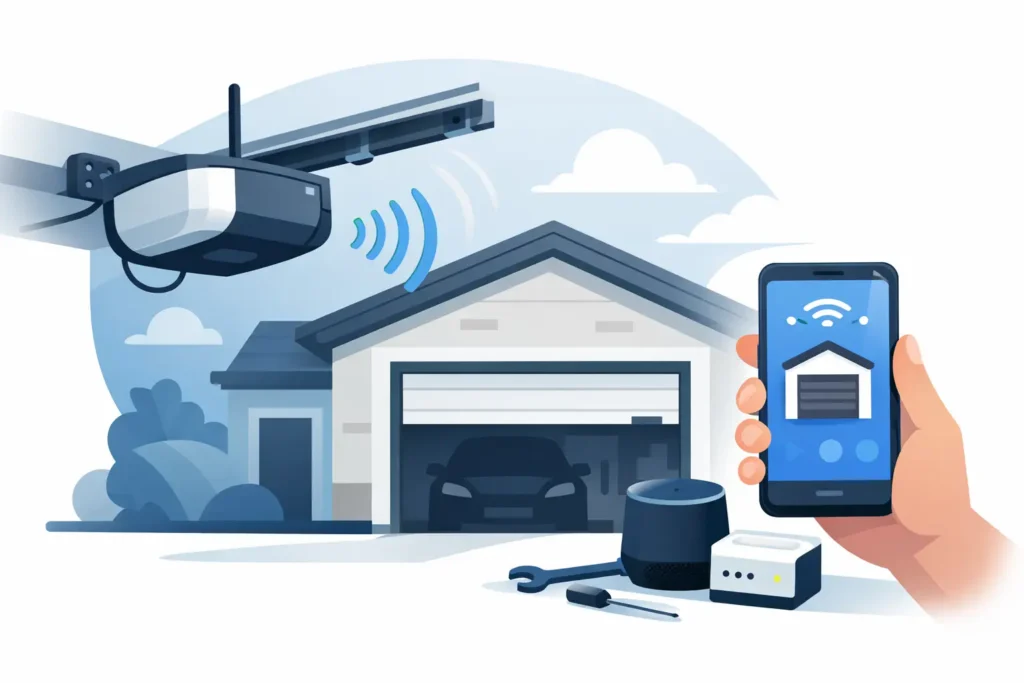
A WiFi garage door opener connects to your home network and communicates with a manufacturer app. From that app, you may be able to open or close the door, view its current position, receive notifications, set schedules, and grant access to a family member, pet sitter, or delivery person. Available features vary by opener model and app.
The useful part is not simply opening the door from the driveway. It is knowing whether the door was left open after school drop-off, confirming it closed when you left for work, or giving temporary access without handing out another physical remote. For homeowners with an attached garage, that added awareness can support everyday security.
Still, WiFi is an added convenience layer. The opener must first be correctly matched to the weight and condition of the door. The photo-eye sensors must reverse the door when something crosses the opening, and the manual release must remain accessible and functional. Those fundamentals matter every time the door moves, whether it is controlled by a wall button, remote, keypad, or phone.
When Installation Is the Right Choice
A new WiFi opener makes sense when an existing opener is aging, unreliable, loud, or missing the convenience features your household wants. Many homeowners also choose an upgrade after moving into a home with old remotes, uncertain access codes, or no clear history of opener service.
It may also be the right time when the existing unit lacks current safety features or has become difficult to service. Older openers can continue to run long after their controls, parts availability, or safety performance begin to show their age. Replacing the opener can bring quieter operation, improved lighting, battery backup options, and app-based control in one project.
On the other hand, an opener replacement is not always the answer. If the door binds in the tracks, the rollers are worn, the cables are damaged, or the springs are weak or broken, a new opener will not correct the underlying issue. In fact, forcing an opener to lift a poorly balanced door can damage the new unit and create a larger repair.
A quick balance check can reveal a lot. With the door closed and the opener disengaged using the emergency release, a properly functioning door should lift without excessive force and stay near the halfway point. Do not attempt this test if a spring or cable appears broken, loose, or damaged. Those components carry significant tension and should be handled by a trained garage door technician.
What Professional WiFi Garage Door Opener Installation Includes
A quality installation begins with the door itself. The technician checks its movement, tracks, rollers, hinges, cables, springs, and mounting points. This helps determine whether the door is operating safely and whether the selected opener has the right lifting capacity and rail configuration.
The opener is then mounted securely, with the rail aligned correctly and the header bracket anchored to suitable framing. Poor mounting can lead to vibration, noise, premature wear, or an opener that struggles to travel smoothly. The emergency release cord, wall control, and safety sensors also need proper placement for daily use.
Sensor alignment deserves special attention. Photo-eye sensors sit near the bottom of each side of the door opening and create an invisible beam. If that beam is blocked or misaligned, the door should not close through the obstruction. A professional setup verifies that the sensors respond correctly and that the opener reverses as intended.
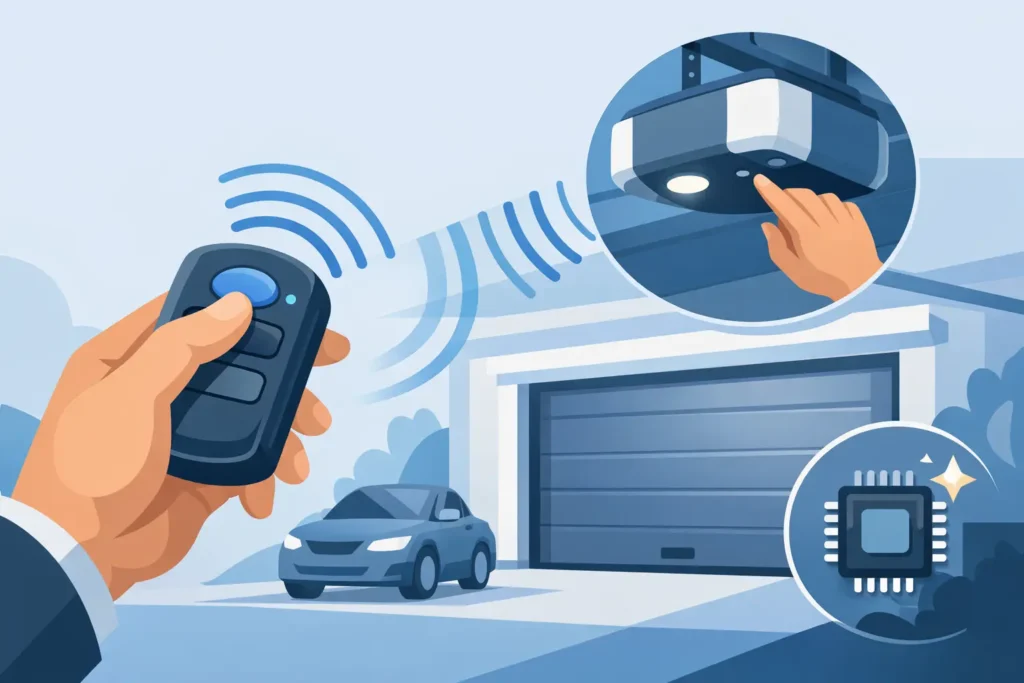
The final part is the smart setup. The technician connects the opener to the appropriate home WiFi network, registers it in the app, pairs remotes and keypads, and confirms that the phone controls respond as expected. This is also a good time to remove old remotes from the system, reset codes where needed, and make sure only the right people have access.
At Patriot Garage Door, the goal is to explain these steps clearly, not turn a straightforward upgrade into a confusing sales pitch. If the door needs repair before an opener can be installed safely, homeowners should understand why, what the options are, and what the work will cost.
WiFi and Home Network Details That Can Affect Performance
An opener can be installed perfectly and still have unreliable app control if the WiFi signal in the garage is weak. Garages are often separated from the main living area by exterior walls, masonry, insulation, appliances, and stored items that can reduce signal strength. Before installation, consider whether your phone has a dependable connection inside the garage.
Most smart openers use the 2.4 GHz WiFi band because it reaches farther than 5 GHz in many homes. Some models only support 2.4 GHz, while others can work with both bands. If your router combines network names or uses advanced security settings, setup may take a little more attention. This is normal, but it is one reason professional configuration can save time.
For a garage with a weak signal, moving the router, adding a properly placed mesh node, or using a WiFi extender may help. The right solution depends on your home layout. Avoid placing network equipment where it is exposed to moisture, extreme temperatures, or physical damage.
Keep the app account secure as well. Use a unique, strong password, enable multi-factor authentication if the app offers it, and review shared access from time to time. Remove access for former tenants, contractors, or anyone who no longer needs it. Smart access is helpful only when it stays under your control.
Choosing Features That Fit Your Household
Not every home needs the same opener. A belt-drive unit is usually the preferred choice for an attached garage because it runs more quietly than many chain-drive models. Chain drive can still be a dependable option for detached garages or homeowners whose main priority is a straightforward, durable setup.
Battery backup is worth considering in areas where storms or utility interruptions can leave a garage without power. It allows the opener to operate for a limited period during an outage, which can matter when the garage is your primary entrance or when a vehicle needs to get out quickly.
Other features may include an integrated camera, motion-activated lighting, a keypad, automatic closing settings, or delivery-access controls. Choose features based on how you actually use the garage. A household that regularly receives packages may value monitored access. Someone with a bedroom above the garage may care most about quiet operation. A homeowner with a detached garage may prioritize range and lighting instead.
Avoid the Common Installation Shortcuts
The biggest mistake is treating the opener as the source of every garage door problem. Openers move the door, but springs do the lifting. If the door is unbalanced, the opener is being asked to compensate for a mechanical problem it was not designed to solve.
Another common shortcut is skipping the safety test after programming. The door should reverse when it contacts an object placed in its path, and it should not close when the photo-eye beam is interrupted. Test these functions regularly, especially after a sensor is bumped, the garage is cleaned, or work is done near the tracks.
Finally, do not overlook the physical security of the garage. Keep the manual release protected from outside manipulation, close the door before leaving home, and avoid sharing account credentials. Create individual or temporary access when the app allows it rather than giving everyone the same login.
Plan for Long-Term Reliability
A WiFi-enabled opener benefits from the same basic care as any other garage door system. Keep sensor lenses clean, listen for new grinding or scraping sounds, and watch the door as it moves. If it jerks, reverses unexpectedly, leaves gaps at the floor, or becomes noticeably louder, schedule service before the problem turns into a stuck door or damaged opener.
Smart controls are most useful when they sit on top of a safe, well-maintained garage door. With the right opener, a reliable connection, and honest installation work, your garage can be easier to monitor without becoming another household worry.
Need Help With Your Garage Door?
From broken springs and opener issues to repairs and new installations, Patriot Garage Door provides dependable service when you need it.